Ship AI Dance Videos Weekly: The Creator‑First Workflow
A practical workflow for AI dance videos: pick motion sources, control like a choreographer, sync legal music, and export clean loops for TikTok/Reels/3D.
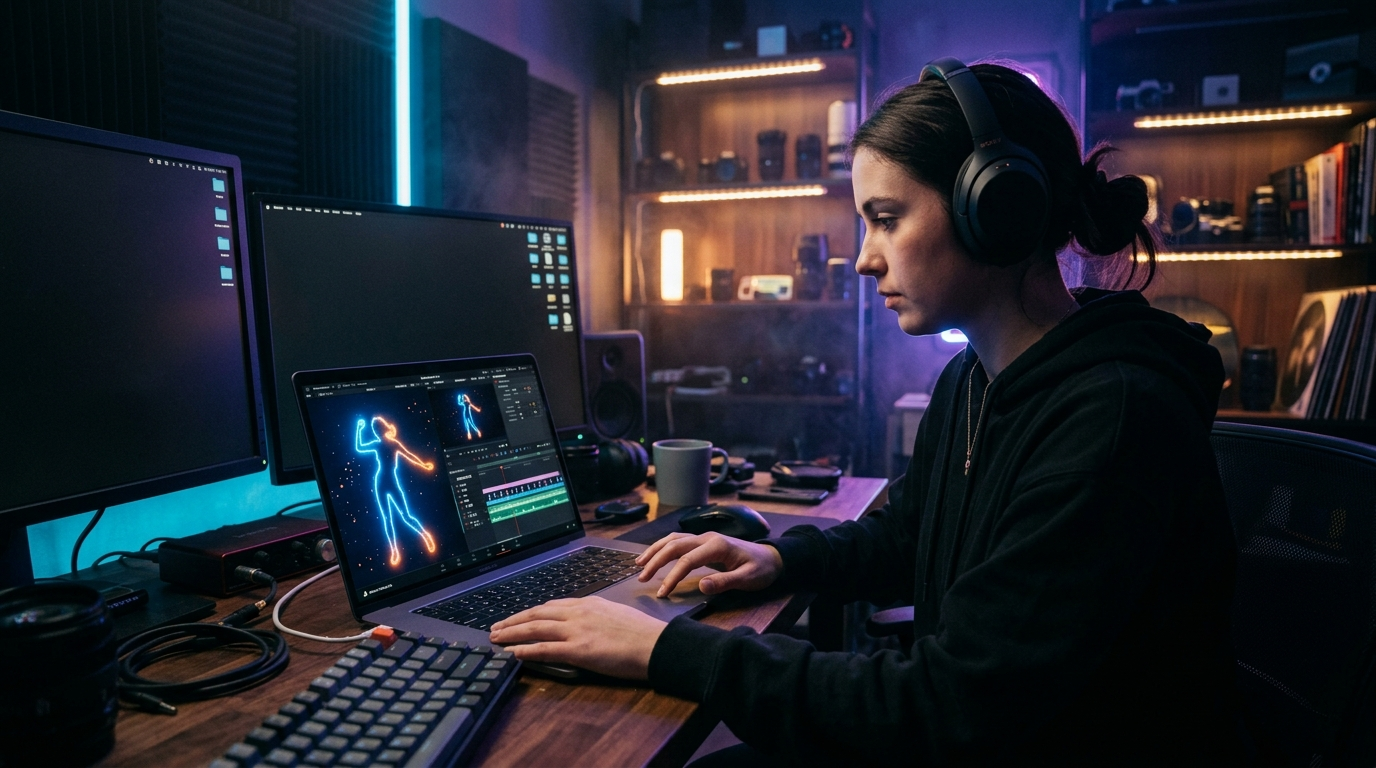
You can ship polished AI dance videos every week without burning out. The trick isn’t one magic model—it’s an end‑to‑end workflow that picks the right motion source, gives you director‑level control, handles music and rights cleanly, and exports reliably for TikTok, Reels, Shorts, or a 3D pipeline. In the first 100 words, here’s the promise: with a clear map through templates, motion transfer, markerless mocap, and generative choreography, plus a few pro checklists, AI dance becomes predictable output, not a rabbit hole.
This guide is for short‑form creators, indie animation teams, VTubers, motion designers, and social marketers who need repeatable results. We’ll compare motion options, build quick viral loops with Viggle and Kling, route precise captures into Blender/Unity/Unreal, control like a choreographer with OpenPose, Animate Anyone, and Runway Gen‑4, align beats to music you can actually use in campaigns, and finish with a quality checklist that saves hours in cleanup. Keep your creative intent where it belongs—on screen—while your pipeline handles the rest.
Pick your AI dance outcome: meme loops, full choreo previews, 3D character retargets, or group numbers
Begin with the finish line. Your outcome determines every choice that follows—models, capture, cleanup, even aspect ratios.
- Meme loops (3–8 seconds): These are sticky, repeatable hooks designed for TikTok/Reels/Shorts. Think exaggerated gestures, sharp silhouettes, and a tight A‑B motion that looks seamless when looped. Prioritize motion transfer/templates and rapid iteration. Keep backgrounds simple so the dance reads clearly on mobile.
- Full choreography previews (10–30 seconds): Useful for pitching artists, choreographers, or brand teams. You’ll need stronger beat alignment, multi‑phrase continuity, and camera intent across shots. Diffusion‑based image‑to‑video or markerless mocap give you consistency, while Runway‑style camera control helps with flow.
- 3D character retargets: If your end state is a rigged character in Blender, Unity, or Unreal, you’ll want markerless mocap that exports clean FBX/BVH/GLB. You’ll spend time on retargeting, foot locking, and contact refinement—but you’ll get asset reuse across campaigns.
- Group numbers: Multi‑subject dance reads as spectacle on social. It’s also where identity drift, collisions, and sync issues multiply. Plan for multi‑actor tracking in capture or a group‑aware generator for synthesis. Staging and spacing matter as much as the moves.
For most creators, weekly cadence means mixing fast AI dance loops for reach with occasional longer choreography or retargeted 3D pieces for depth. Decide your ratio up front. A great rule: one reliable loop you can ship in under two hours, plus one higher‑touch piece you polish across the week. That keeps your feed lively and your portfolio growing without a crunch cycle.
Four motion sources compared: templates, reference transfer, markerless mocap, and music‑to‑dance generators
You have four primary ways to get movement on screen. Each shines for different deliverables.
1) Templates. These are the speed demons for social. Viggle provides a free AI Dance Generator with viral‑style templates and motion transfer that can animate a character or photo in minutes. Their mocap guidance highlights compatibility with virtually any source video you can point to—smartphone clips or even public references—so you can prototype attitudes fast. Templates excel for recognizable rhythms and meme formats, but you trade fine‑grained control.
2) Reference transfer. You bring a reference video of a dancer; the system transfers motion to your subject. This is where Viggle’s motion transfer also fits well because it works with “any source video,” making it easy to test moves you spot online. Reference transfer preserves timing and phrasing from a performer, which helps when you’re chasing a specific vibe.
3) Markerless mocap. When you need stable, reusable 3D motion, this is the workhorse. DeepMotion’s Animate 3D 5.0 added mobile single‑actor capture and multi‑actor tracking from a single video, and exports to FBX/BVH/GLB for DCC apps and game engines. Kinetix’s video‑to‑animation AI performs single‑camera 3D motion extraction via depth reconstruction—handy for quick emotes and dances without suits. Autodesk acquired core technology from RADiCAL in April 2026 and announced the legacy web portal wind‑down; users were advised to download processed FBX and source videos by July 6, 2026—useful context if you have old assets to migrate.
4) Generative choreography. If you want movement synthesized from music or text prompts, this lane is advancing quickly. Google’s AIST++ dataset underpins much research, with about 1.1M frames across 1,408 3D dance sequences covering 10 genres and paired with multi‑view videos and known camera poses. Diffusion models such as DiffDance report state‑of‑the‑art generation on AIST++, aligning realistic motion with input music through cascaded diffusion. Newer work targets longer, more physically plausible sequences: a 2025 plausibility‑aware motion diffusion model (PAMD) aims to sustain believable dance over extended durations. Stanford’s EDGE project is building a generative AI choreographer aligned to any piece of music, with a planned debut at CVPR 2026 in Vancouver; the team envisions users bringing their own music or even demonstrating moves via camera capture. For multi‑subject scenes, CoDance (2026) proposes an “Unbind‑Rebind” approach to reduce identity drift and collisions in group dance. Together, these advances make AI dance generation more controllable, musical, and production‑ready.
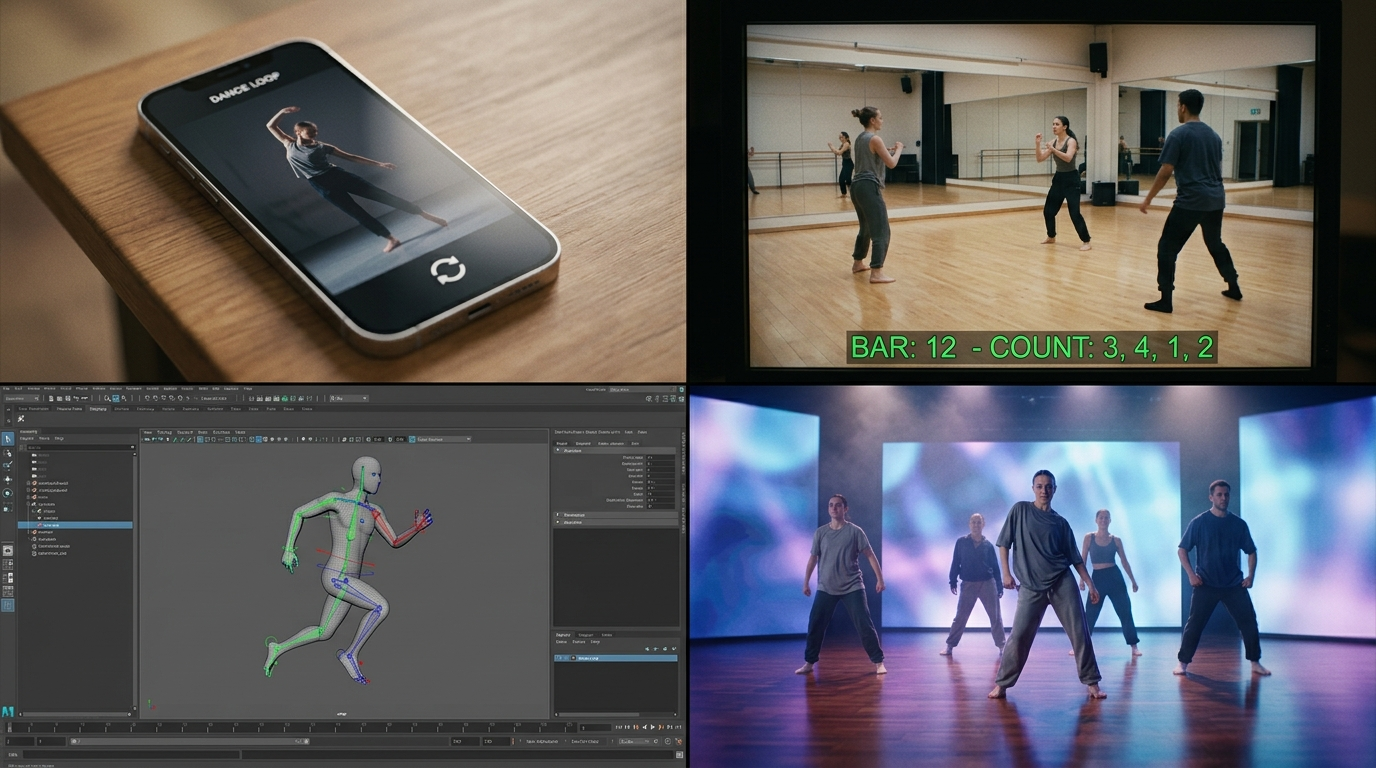
Quick‑start workflows for viral loops with Viggle and Kling Motion Control
When you need a loop that lands views tonight, combine motion transfer/templates with careful framing and beats.
Viggle in 20 minutes:
- Pick a template or load a short reference where the main move reads in 3–5 seconds. Viggle’s free AI Dance Generator can animate a photo or character fast; use a flat, high‑contrast background so the silhouette pops.
- Prepare your subject: center‑framed, elbows visible, no occlusions. Run a test at low resolution to check attitude; tweak the source clip until the first impact sits right on beat 1.
- Add edge polish: rim light, solid background color, a tiny camera zoom to sell the energy. Export 9:16 with a one‑beat pad before and after the loop point for clean repeats.
Kling for motion + camera intent:
- Kuaishou’s Kling AI 2.6 introduced simultaneous audio‑visual generation, which helps keep gestures and audio accents in step from the first render. Kling AI 3.0 emphasized stronger narrative control and cross‑shot consistency—useful when you’re chaining 5–10s clips.
- Prompt with a minimal set: dancer style, motion vibe, background feel, one camera verb (for example “subtle dolly‑in”). Use consistent seeds/settings to keep identity stable across takes.
- Keep each generation short. Runway’s Gen‑4 guidance favors 5s or 10s chunks for quality; that principle carries over to other generators when you want crisp motion.
If you want ready‑made dance templates and transitions without plugin hopping, explore AI Video Effects inside PlayVideo.AI to stack dances, avatars, and lipsync in one timeline. For text‑to‑video or image‑to‑video passes, the AI Video Generator lets you previsualize moves before full‑res renders. These pair nicely with fast Viggle transfers and Kling motion‑driven shots to systematize weekly AI dance output.
Precision pipelines: DeepMotion/Move AI/Plask to Blender, Unity, or Unreal
For hero shots or 3D reuse, route markerless mocap into a DCC or engine where you control retargeting, contacts, and lighting.
Capture and export:
- Record clean reference with a stable camera and minimal occlusion. DeepMotion’s Animate 3D 5.0 supports mobile single‑actor capture and multi‑actor tracking from a single source video—great for indie setups.
- Export FBX/BVH/GLB. These formats play well with Blender, Unity, and Unreal. Keep a copy of your original video with timecode; you’ll need it for beat and contact checks.
Retargeting and cleanup:
- In Blender, use Auto‑Rig Pro or native retargeting to map source skeleton to your rig. Lock feet on contact frames, then interpolate between holds; eliminate foot sliding by anchoring with IK and adjusting pole targets.
- Add floor contacts and subtle center‑of‑mass adjustments so hips and shoulders react to steps. Hand contacts (claps, gestures near the face) benefit from secondary keys.
- For multi‑actor captures, stagger import and retarget each performer. Space them intentionally to avoid interpenetration before you bake.
Engine integration:
- In Unity or Unreal, use animation blueprints or state machines to loop, transition, and layer upper‑body gestures. Keep physics light; let animation sell weight.
- Stage with three‑point lighting and a shallow lens to read silhouette on mobile. Render short, beat‑accurate segments for social.
Similar steps apply if you capture with other markerless tools; the key is exporting to standard formats and investing in retarget and contacts. This route takes longer than template‑driven AI dance, but it pays off with reusable motion libraries, consistent identity, and the option to relight or reframe endlessly.
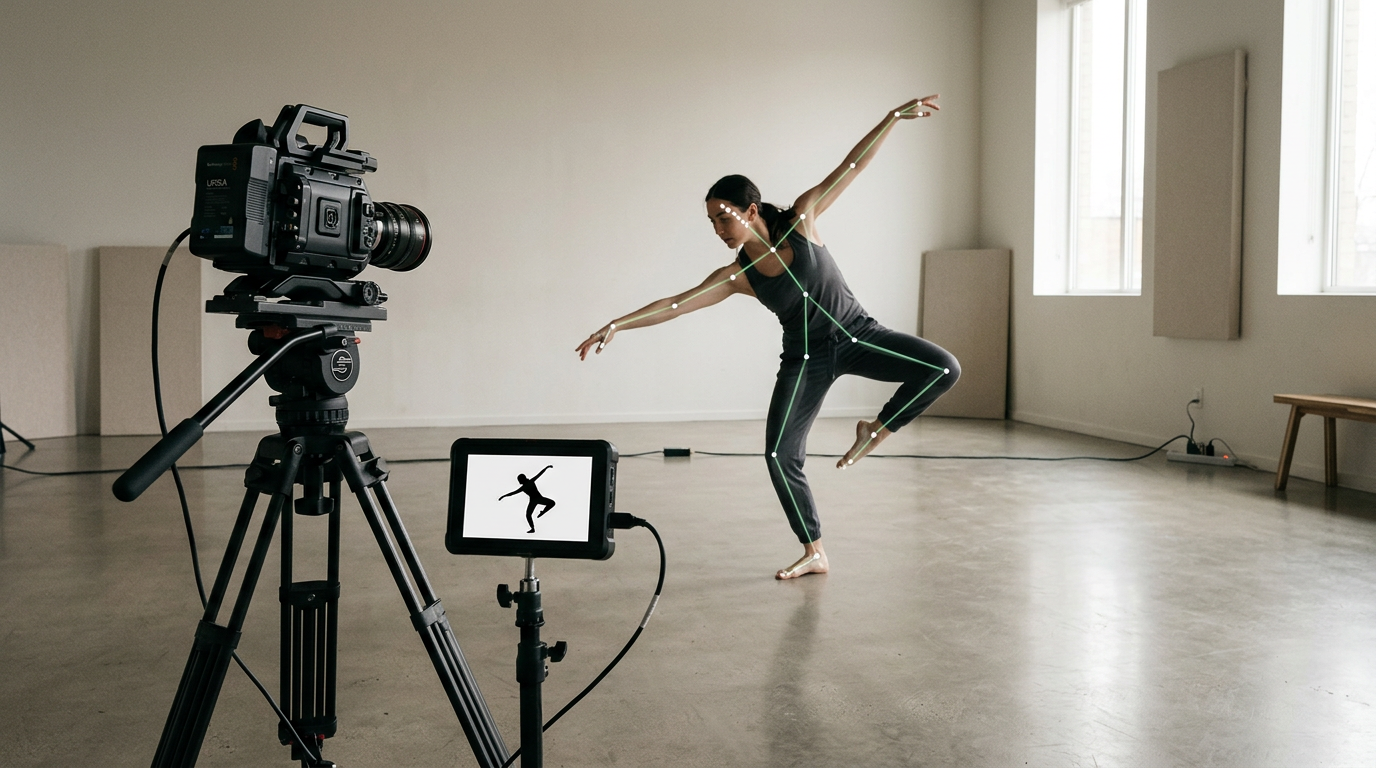
Control like a choreographer: OpenPose/ControlNet, Animate Anyone 2, and Runway Gen‑4 camera control
Think like a choreographer: decide poses, pathways, and camera intent before you render. Then enforce them with control signals.
Pose and structure:
- OpenPose is a real‑time, multi‑person 2D keypoint detector for body, face, hands, and feet. Its BODY_25 and whole‑body models are widely used to drive pose‑conditioned generation. Extract keypoints from your reference (or sketch a target pose) and use a ControlNet adapter in your diffusion pipeline to lock body lines and hand shapes at critical beats.
- For character‑consistent image‑to‑video, Animate Anyone introduced a diffusion framework for controllable, consistent animation from a single image and reported strong dance results; Animate Anyone 2 added environmental affordance signals to raise fidelity and stability. Use this for image‑anchored performers where wardrobe and style continuity matter across shots.
Camera and timing:
- Follow Runway Gen‑4’s official guidance: generate in 5s or 10s clips, and use camera verbiage intentionally—“locked tripod,” “gentle dolly‑in,” or “orbit stage left.” Consistent camera language yields more filmic movement and continuity between generations.
- Block your loop point. Pose‑lock the start and end of a clip to the same position or silhouette to get a perfect loop.
Previsualize and iterate:
- Design the performer as a crisp still first; PlayVideo.AI’s AI Image Generator is a fast way to prototype outfits, silhouettes, and lineups you’ll later animate.
- For timing and beat checks, run low‑res passes using the AI Video Generator before committing to full‑quality renders.
This combination—OpenPose for poses, Animate Anyone for identity and stability, and camera control aligned with Gen‑4 guidance—lets you steer AI dance results with the same intention you’d bring to set on a live shoot.
Music, sync, and rights: beat alignment and legal soundtracks for TikTok, Reels, and Shorts
Dance lives on the beat, and brand safety lives in the license.
Beat and phrasing:
- Mark beats before you render. Use the song grid to lay down 1s, 2s, 3s, 4s and note phrases (typically 8‑count). Align accents—jumps, head pops, hand hits—on strong beats and reserve weak beats for transitions.
- Short clips benefit from one clear motif. Reserve a two‑beat pickup, hit on 1, land another on 3 or 5, and loop.
Music sourcing and rights:
- TikTok’s guidance for business accounts directs brands to the Commercial Music Library (CML), a pre‑cleared global catalog of roughly one million tracks for commercial use on TikTok. If you’re a brand or running ads, start there to avoid takedowns.
- Remember that the U.S. Copyright Office confirms choreography and pantomime are copyrightable when they contain sufficient original authorship. Copying protected choreography—even in short‑form—can implicate rights. Use original movement, licensed routines, or public‑domain steps when in doubt.
AI‑assisted scoring:
- When you need bespoke underscore that won’t trigger claims, you can generate cues and stems using PlayVideo.AI’s AI Music Generator, then adjust tempo to fit your loop timing.
- Research also explores motion‑to‑music. A 2024 study (Dance2Music‑Diffusion) generated music from dance videos via latent diffusion, underscoring the tight coupling between movement and audio. While you’ll likely compose to picture for now, the tooling is converging.
Finally, if you’re posting cross‑platform, render alternates—one with TikTok CML tracks for in‑app use, one with your licensed or original mix for Reels/Shorts. Keep a spreadsheet of tracks, licenses, BPM, and cue points so you can recycle motifs across your weekly AI dance posts.
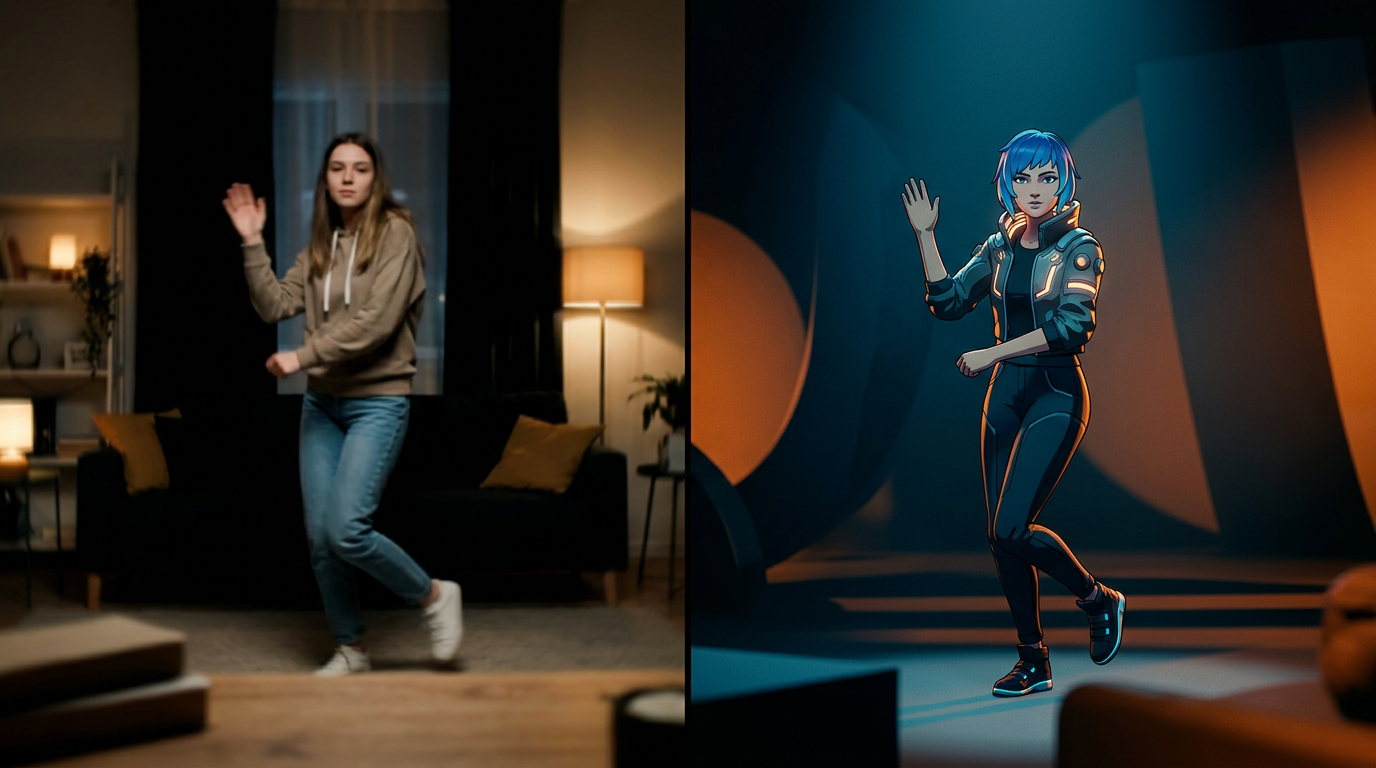
Quality checklist and pitfalls: foot sliding, identity drift, hands/face artifacts, and multi‑person collisions
Quality dies in details you can prevent. Use this checklist before you export.
Foot sliding:
- In mocap or retargeting, anchor feet on contact frames and add IK constraints. Check heel‑toe roll so feet peel naturally. If sliding persists, slightly time‑warp the hips to keep center‑of‑mass over planted feet.
Identity drift:
- In image‑to‑video synthesis, keep a strong identity prior—consistent seed, locked wardrobe, and the same base still. Group‑aware research like CoDance introduced an “Unbind‑Rebind” method to reduce identity drift and collisions in multi‑subject scenes; you can mimic the spirit by isolating performers per pass and compositing.
Hands and face:
- OpenPose can track hands and face; bake key poses at impacts (claps, finger pops, head hits) to avoid mushy gestures. In diffusion pipelines, add hand/face control adapters sparingly—over‑constraining can stiffen motion.
Camera and continuity:
- Follow the 5s/10s clip best‑practice; longer generations often accumulate artifacts. Maintain one camera verb per shot and match lensing across cuts.
Multi‑person collisions:
- Stagger start times by a few frames, offset positions subtly, and pre‑visualize with floor grids. In mocap, capture performers with clear spatial separation; in generative, render subjects separately and composite.
Physics and plausibility:
- Long sequences can drift into non‑physical transitions. Research like PAMD targets plausibility over long durations; in practice, tighten transitions around beats and insert micro‑anticipations before large moves.
Export sanity:
- Verify aspect (9:16), safe areas (no cropped hands), and loudness. Check loop points with one‑beat handles. For AI dance intended for 3D pipelines, confirm rig scale, unit consistency, and root motion settings before handoff.
This discipline turns experiments into dependable weekly output—and it’s faster than discovering fixes after upload.
Frequently Asked Questions
What’s the fastest path to a shippable AI dance loop today?
Use a Viggle template or motion transfer with a clear 3–5s motif, align one strong hit on beat 1, add a gentle dolly‑in, and export 9:16 with one‑beat handles for looping.
When should I choose markerless mocap over generative choreography?
Pick mocap when you need reusable 3D motion, clean contacts, or exact timing. Choose generative when you’re exploring styles from music prompts or need variations fast.
How long should each generation be for best quality?
Follow the 5s and 10s guidance common to modern generators like Runway Gen‑4. Shorter clips reduce artifacts and make continuity across shots easier to manage.
Can I legally use trending tracks in branded AI dance content?
Brands and advertisers should use TikTok’s Commercial Music Library on TikTok. For other platforms, use licensed or original music; keep documentation for audits.
Conclusion
Pick one outcome, one motion source, and one lane for control—then systematize it. Here’s a weekly plan you can start today:
- Monday: Script your beat map and choose the outcome (loop, preview, or 3D retarget). Lock camera verbs and a wardrobe still.
- Tuesday: Generate motion—Viggle template/transfer for loops, or DeepMotion capture for 3D. Run low‑res previews to confirm phrasing.
- Wednesday: Retarget/clean (IK for feet, pose keys for hands/face). Establish the loop point.
- Thursday: Grade and composite. Render two aspect ratios if needed, and a music‑safe alt for cross‑posting.
- Friday: QC with the checklist (foot sliding, identity drift, collisions). Post, save presets, and document what worked.
If you’re new to the platform, start on the Pricing page to pick a plan that matches weekly output, then template your steps so you can repeat without guesswork. The more you lock your beats, poses, and camera language upfront, the faster your AI dance posts will land—and the more time you’ll have to chase the next idea.